Vibe Coding Tools
Tools to help teachers and students work with AI to build interactive apps and resources.
Your app needs the perfect title! With this Gemini Gem, brainstorm clever, delightful, and ridiculous names for your app so your vibe-coding journey ends happily ever after.
Bring in your sound effect or short audio clip to copy a highly-compressed Base64 tag. Paste it into your AI chat so the sound becomes part of your app.

AI can cook up simple music for your game or app. Pick ingredients to build a prompt you can copy and paste into your AI chat.
Paste your Google Drive link and instantly copy a direct image URL. Drop it into your AI chat so your app can display the image.
Adjust the sliders to create different sound effects. Copy the generated code and paste it into an AI chat to use the sound in games or apps you build.
Connect your GitHub account, upload an audio or image file, and instantly get a link you can use in your vibe-coded app.
Bring in an SVG. Select, group, and label parts of the image. Copy the code and paste into you AI chat. Use the labels to tell AI which parts you want to animate.
Drag in your image and instantly copy the Base64 string. Paste it into your AI chat so the image becomes part of your app.
Drag in your SVG and the code is instantly copied. Paste it into your AI chat so the graphic becomes part of your app.
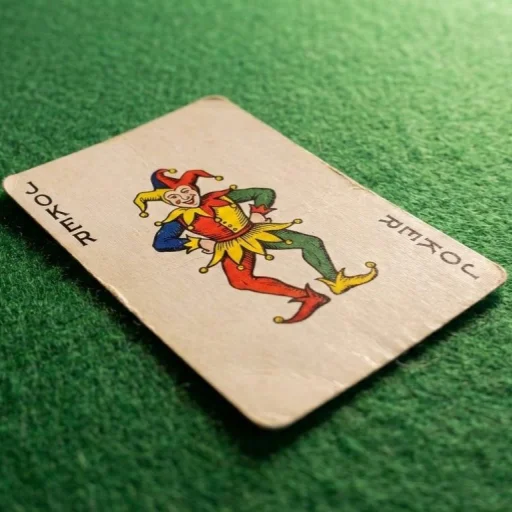
Deal the cards, flip the challenge — then race to build it! A game show-style classroom activity where every round generates a unique AI coding prompt.
More Collections
Social Emotional
Simple apps to support emotions, empathy, and everyday well-being.
Utilities
Simple tools built to streamline your digital workflow.
ELA
Teacher-made apps to support English language arts.
Teacher Tools
Useful digital tools built to support planning, teaching, and classroom routines.
Valentine's Day
Games and Valentine's Day fun for everyone!
Brain Breaks
Use these apps to give students' brains a short mental recess or reset.